

- Log in to your parent account.
- Go to the ‘My Children’ tab.

- Click ‘Create learner profile’.
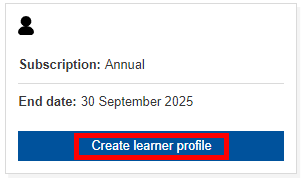
- Fill out your child’s details and click ‘Create my child’.

- Make a note of your child’s username and password. The username will be allocated once submitted.

- Log out.
- Login in with your child’s details.
- Your child is now able to use Bond Online.