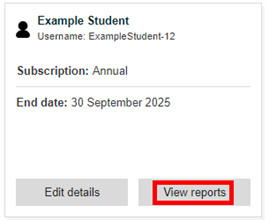
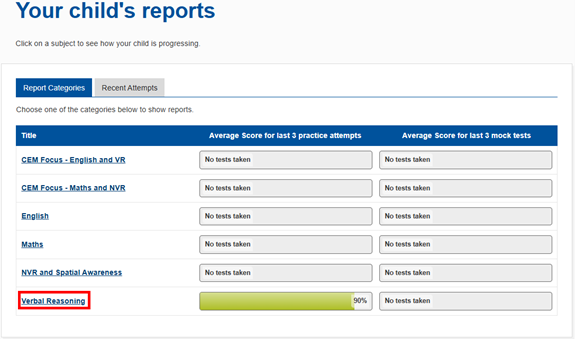
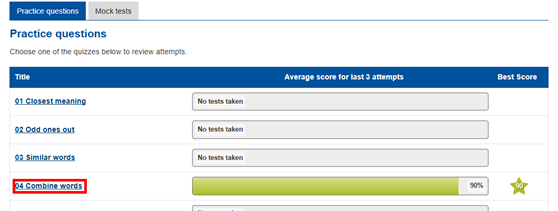
Bond11plus Support > Tutor Support > Viewing results and reports Viewing results and reports Log in to your tutor account. Go to the ‘My Children’ tab. Click ‘View reports’. Select a subject you would like to view. Select a topic within the subject. Click ‘Check answers’ on one of the tests.