

As a parent, you can change your child’s password at any time.
Login to your parent account.
Click ‘Edit details’.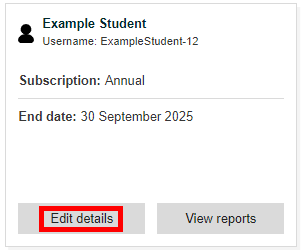
Write and confirm a new password and click ‘Change details’ to update it.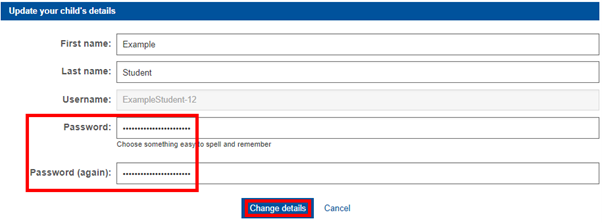
If you have forgotten the password to your parent account:
Click ‘Login’ from anywhere on the Bond11+ website.
Click ‘Forgot password’.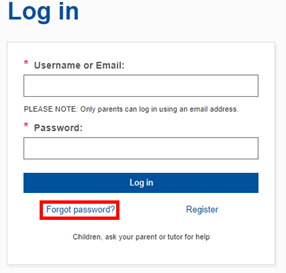
Enter your email address and click ‘OK’.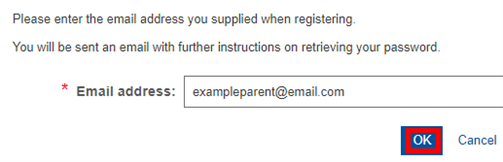
Follow the instructions in the email sent to you.